
Inspect 365 changelog
August to October
New
Groups: A Groups dashboard with each group's details and findings.
Users: A page for each user with identity, MFA and directory fields, and the SharePoint and OneDrive sites they can reach.
Conditional Access: A list of each tenant's Conditional Access policies.
Triage: The in-app agent triages one asset at a time and reports its progress in plain language.
Findings: A finding for personal devices enrolled in Intune.
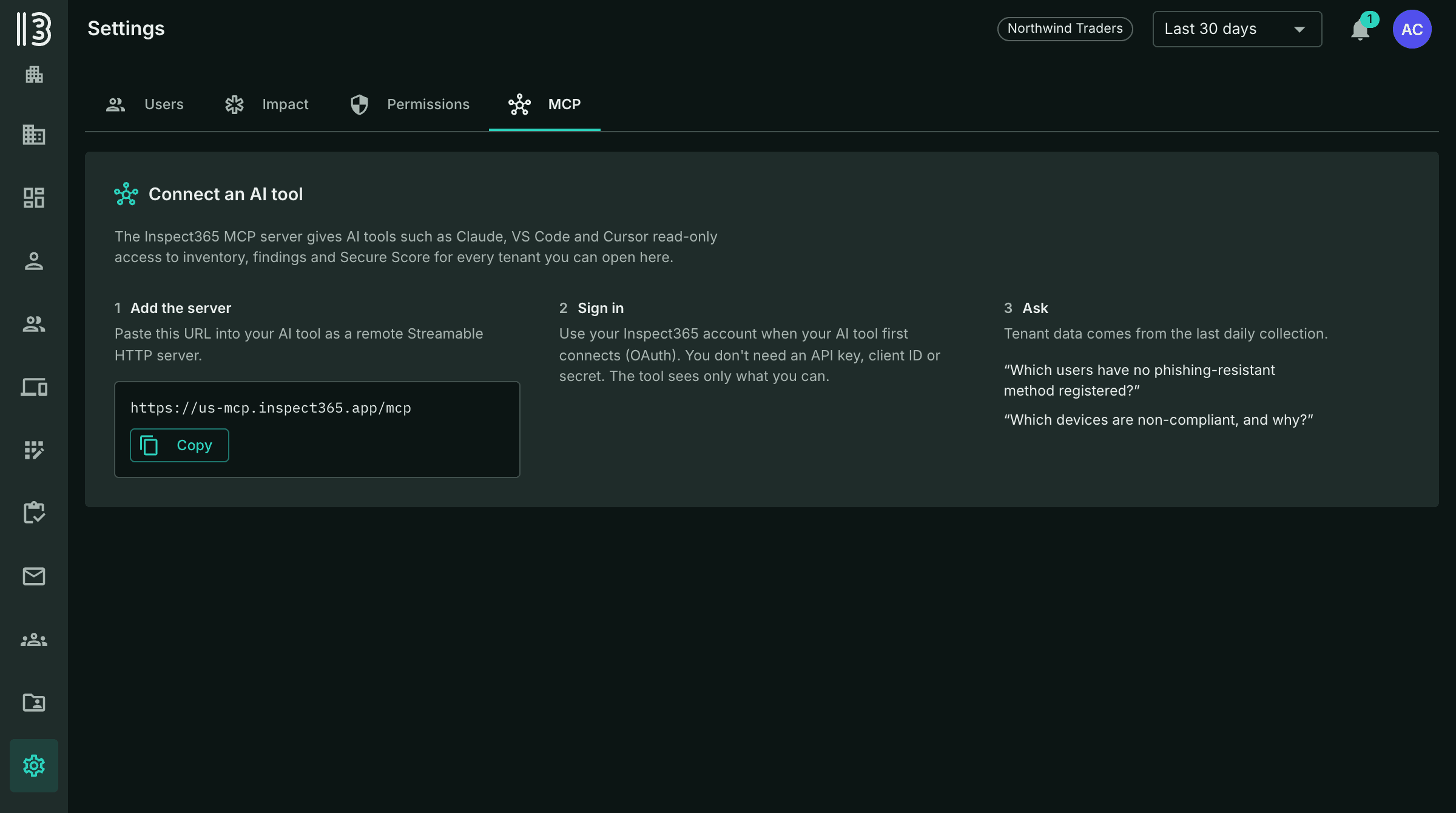
MCP: Settings shows how to connect your AI over the MCP, in place of the API Key tab.
Improved
Assets: Asset details open as full pages, with labeled links to the same object in Entra, Intune and Defender.
Findings: Change a finding's status with the Change Status button on the asset. The inventory tabs no longer change status in bulk.
Findings: A condition has to last through an observation window before it opens a finding, so short-lived blips don't open and close findings.
MCP: Your AI can now see eligible PIM roles, each user's MFA methods by strength, where each account is mastered, which apps Conditional Access covers, and Defender vulnerability totals by platform.
Fixed
Devices: A hardware ID alone no longer marks a device as company-owned, and join type uses Entra data for devices outside Intune.
Defender: Applications no longer show duplicate CVEs or inflated vulnerability counts.
Conditional Access: MFA coverage accounts for which apps each policy targets, including policies that target none.
Compliance: Overall device status and policy links show correctly for devices with no assigned user.
Findings: Finding pages open for definitions with no instances or only Detected instances.
Teams: Shared channels are classified correctly, and membership loads for groups over 999 members.
MCP: Queries on Conditional Access sign-in frequency work.
Interface: Column sorting, mailbox table scrolling, asset header buttons and light-mode hover contrast.